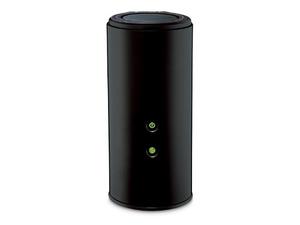
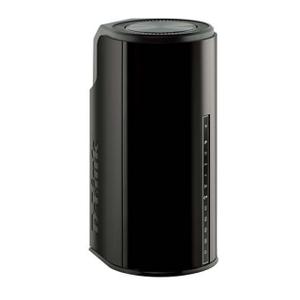
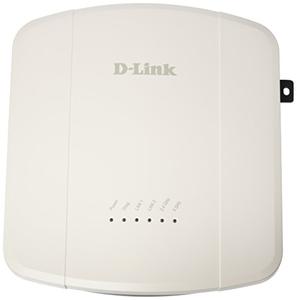
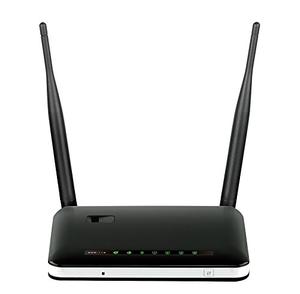
The D-Link DAP-1620 rev A1 router has Gigabit WiFi, 1 100mbps ETH-ports and 0 USB-ports. It has a total combined WiFi throughput of 1200 Mpbs.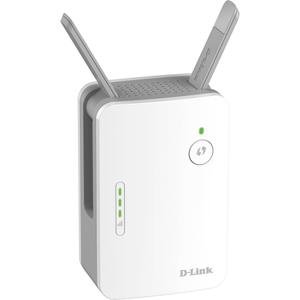
How to hard reset (factory reset) D-Link DAP-1620 rev A1 :
You can hard reset your D-Link DAP-1620 rev A1 with ways bellow
With the reset button
Locate the reset button on the back off the router
While the unit is powered on, press the reset button with a sharp object (e.g. paperclip)
Hold the button pressed for 10 seconds, then release.
The unit will reboot by itself and once the WLAN light stops blinking the factory reset is done.
You can now setup your router again through the user interface
D-Link DAP-1620 rev A1 default Login & Password, factory settings :
If you have performed a reset of your DAP-1620 rev A1 device or not changed the defaults, you
should
be able to access it with the following settings
Default subnet mask: 255.255.255.0
D-Link DAP-1620 rev A1 router specifications :
System specs
CPU: 580 MHz
RAM: 64 MiB
Flash: n/a
Custom firmwares: None
Connectivity
WiFi: Gigabit (abgn+ac)
WiFi bands
2.4GHz & 5GHz
WiFi throughput: 1200 Mpbs
WAN
None
ETH
1 x 100mbps port
USB-ports: 0
D-Link DAP-1620 review (quick overview)
Here is the quick comparison of how the D-Link DAP-1620 compares to
other routers on our site
Average
36/100
Editor
72/100
WiFi
24/100
Hardware
12/100
Current price
$15.99
For a full list of routers and how they compare to the DAP-1620 rev A1, check the
Router Buying Guide which will help you buy the most
price-competitive router.